Where Quality Meets Precision Aluminium.
We design, fabricate, and install premium aluminium windows, doors, partitions, curtain walls and roofing solutions for residential and commercial projects across Lagos, Nigeria.
Our Services
We specialise in aluminium fabrication and installation for homes, offices and commercial buildings across Lagos.
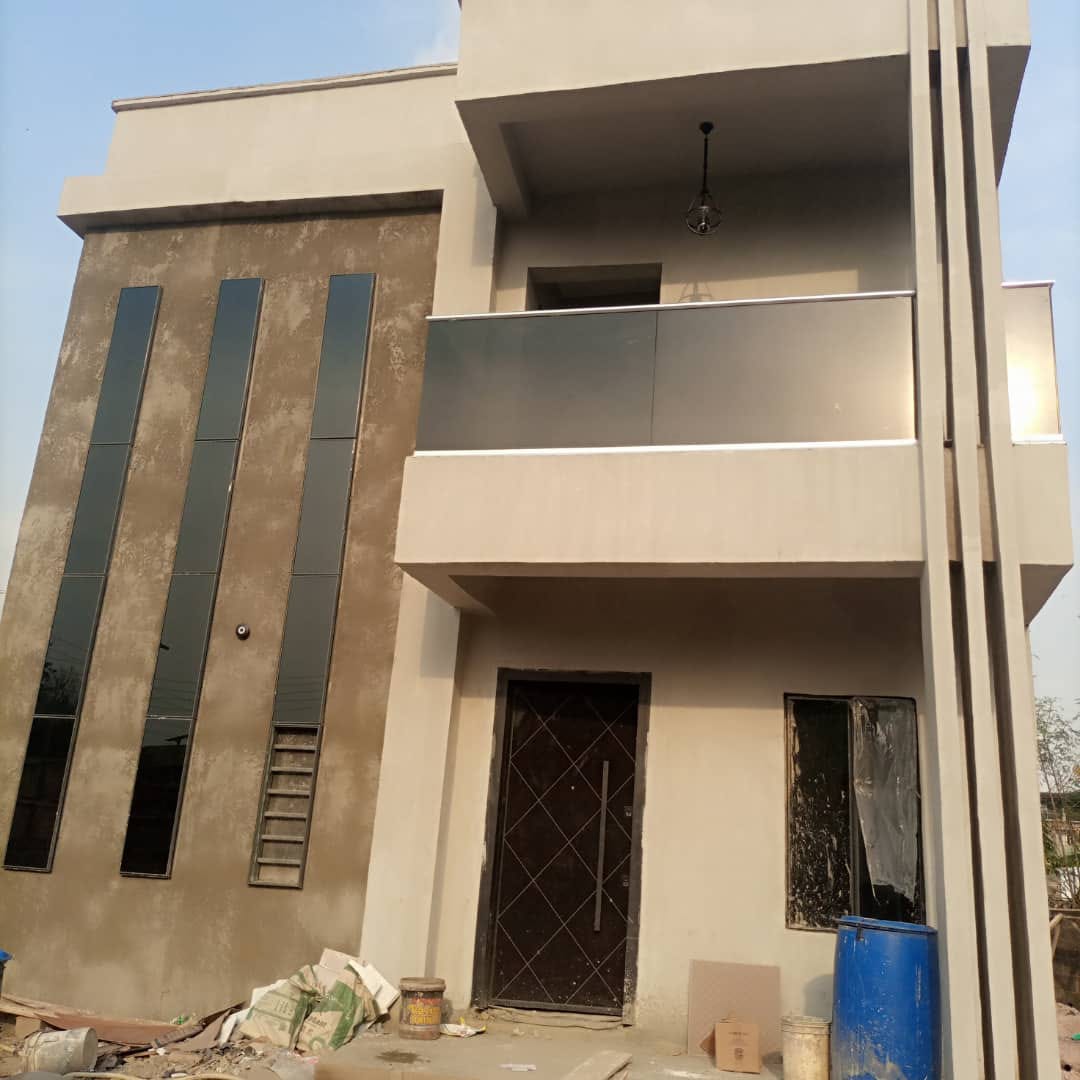
Casement Windows
Strong, secure, and energy-efficient aluminium casement windows designed to maximize ventilation and complement any architectural style.
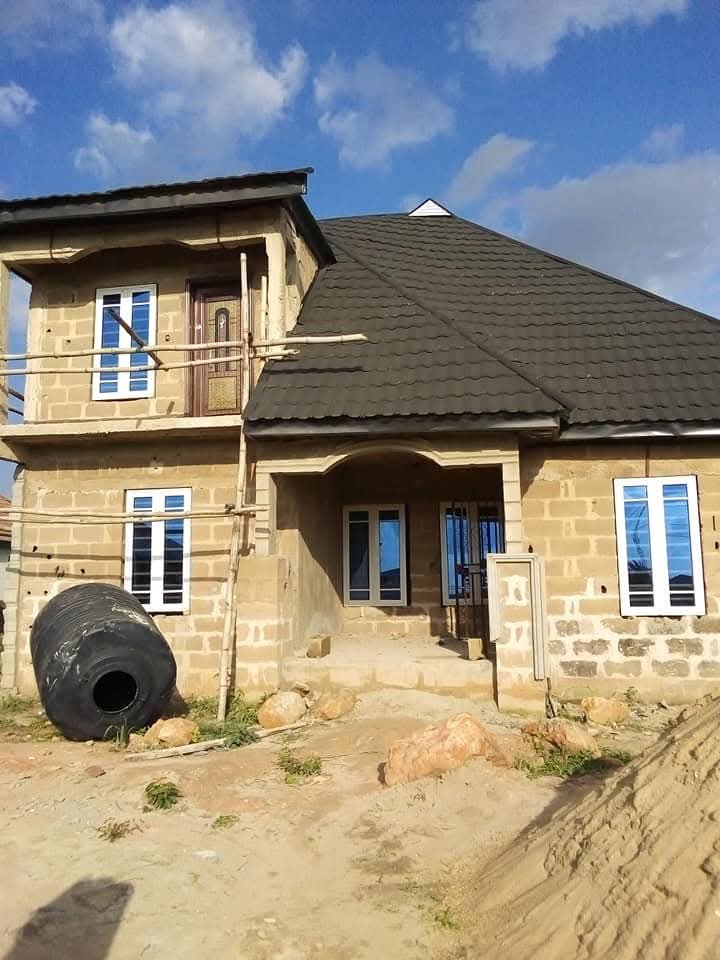
Sliding Windows & Doors
Smooth-gliding aluminium sliding windows and doors that combine modern aesthetics, space-saving functionality, and lasting durability.
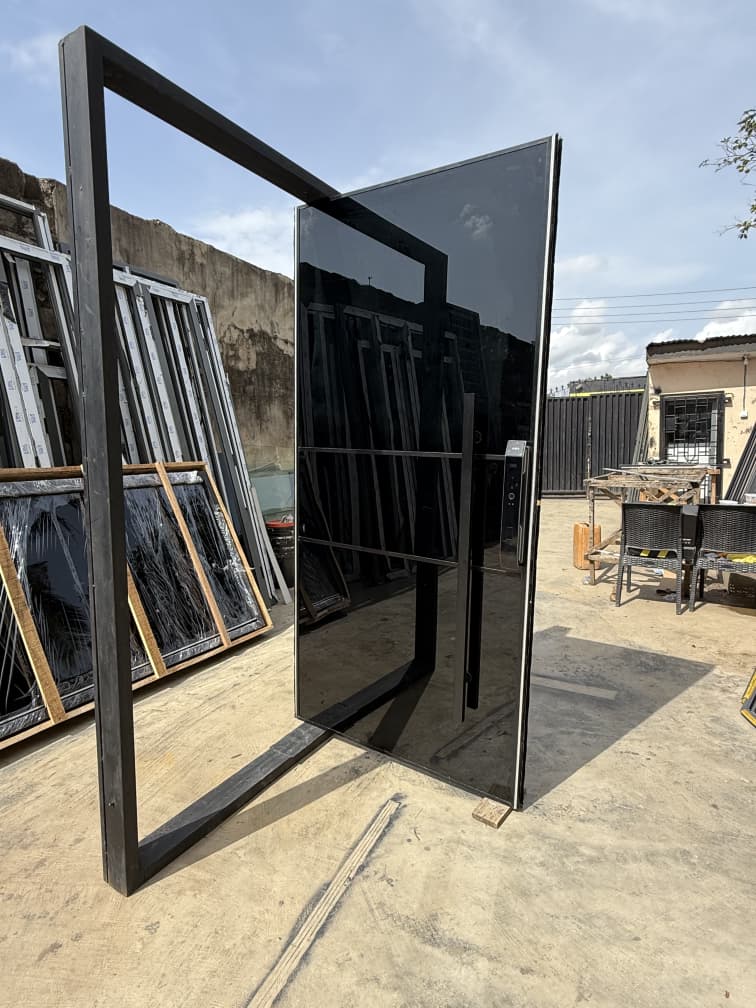
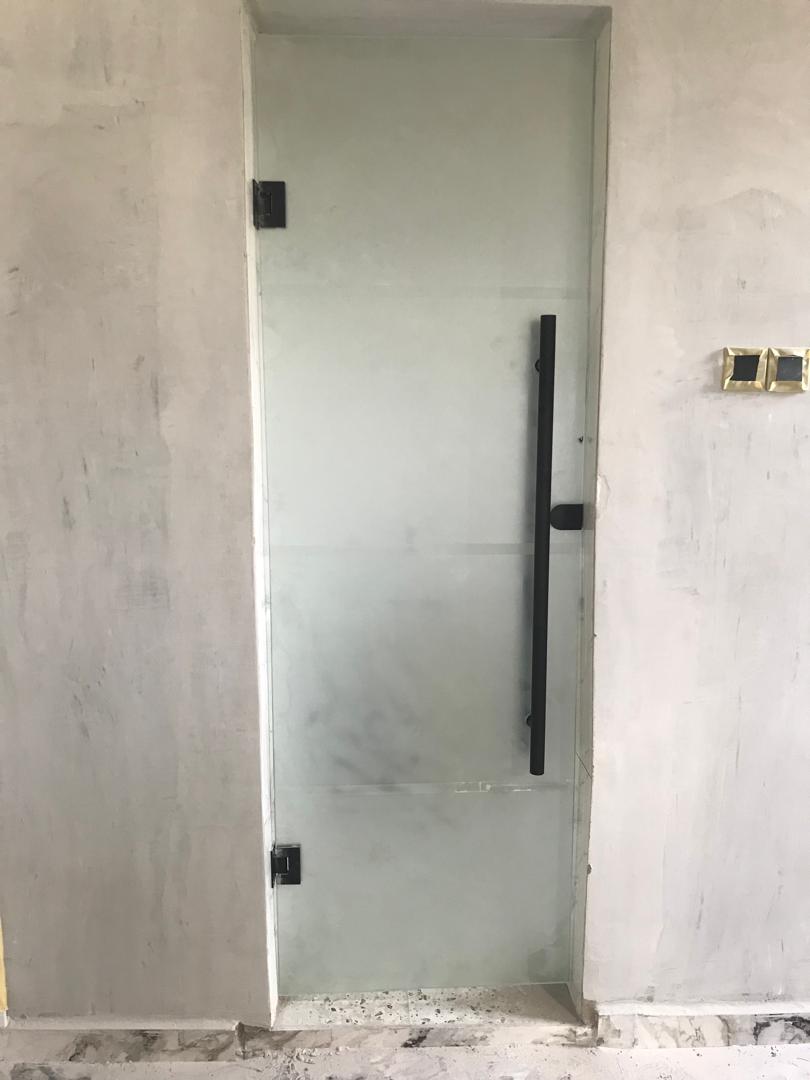
Office & Toilet Partitions
Custom aluminium-framed glass partitions and doors that create functional, elegant, and professional office and restroom spaces.
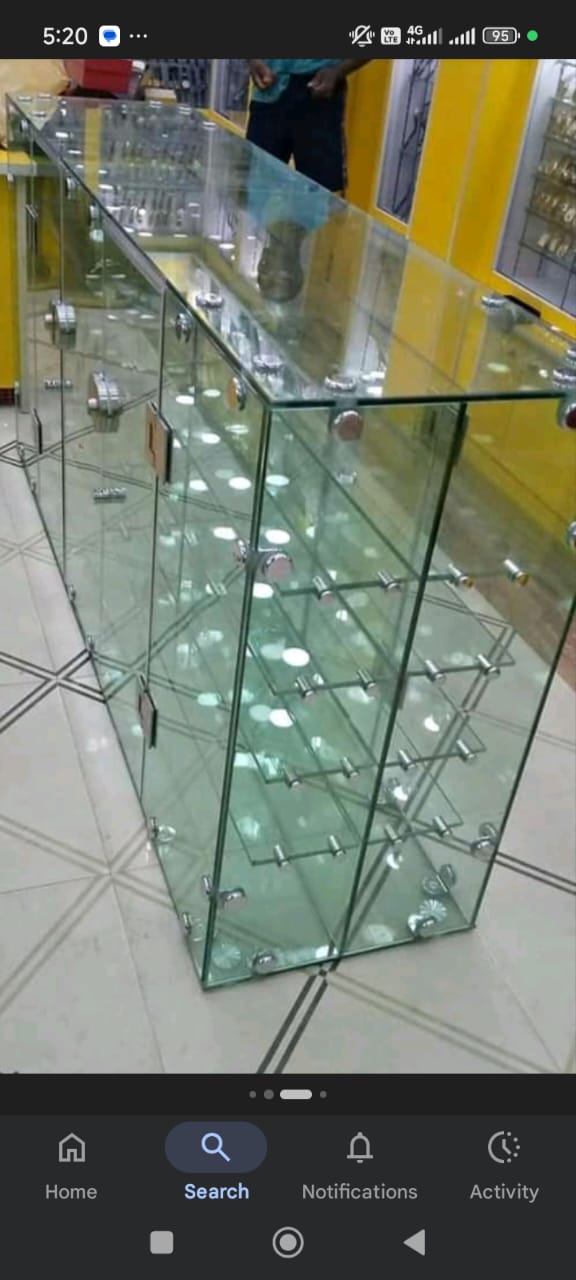
Curtain Walls & Show Glass
Premium curtain wall systems and frameless show glass installations that deliver expansive views, natural light, and a sophisticated finish.
Our Process
Call or visit the shop
Reach out by phone or come to our Ipaja workshop to discuss your project requirements.
Discuss the project and measurements
We review your design preferences, take accurate measurements and agree on materials and specifications.
Fabrication and material preparation
Our team fabricates your aluminium profiles and prepares all materials at our workshop.
Installation and project handover
We install at your site, ensure everything is properly fitted, and hand over the completed work.
ScrapZero
This algorithm arranges window and door panels in the best way possible, reducing material waste and helping fabricators save money on every job. It also removes the need for long manual calculations by generating accurate cutting measurements instantly, so you can start production faster.
Open Cutting Calculator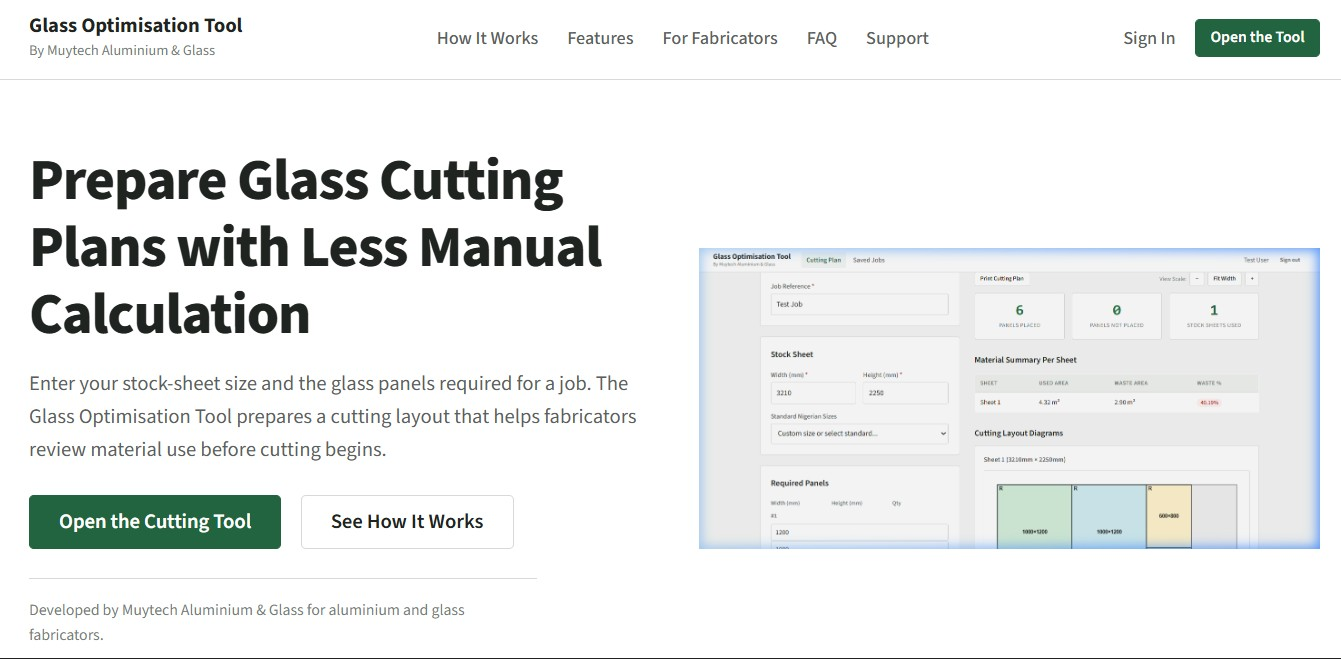
Recent Projects
A selection of aluminium fabrication and installation projects completed across Lagos.
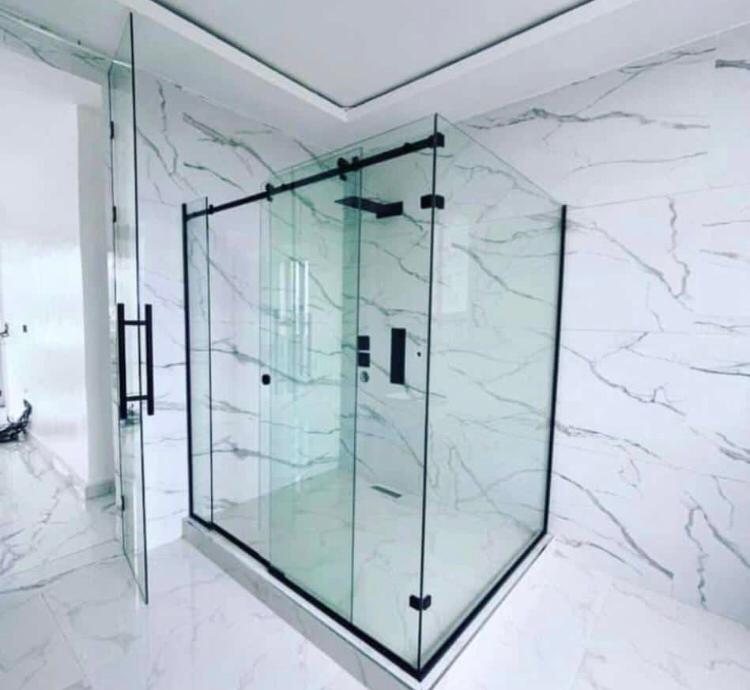
All Glass Cubicle
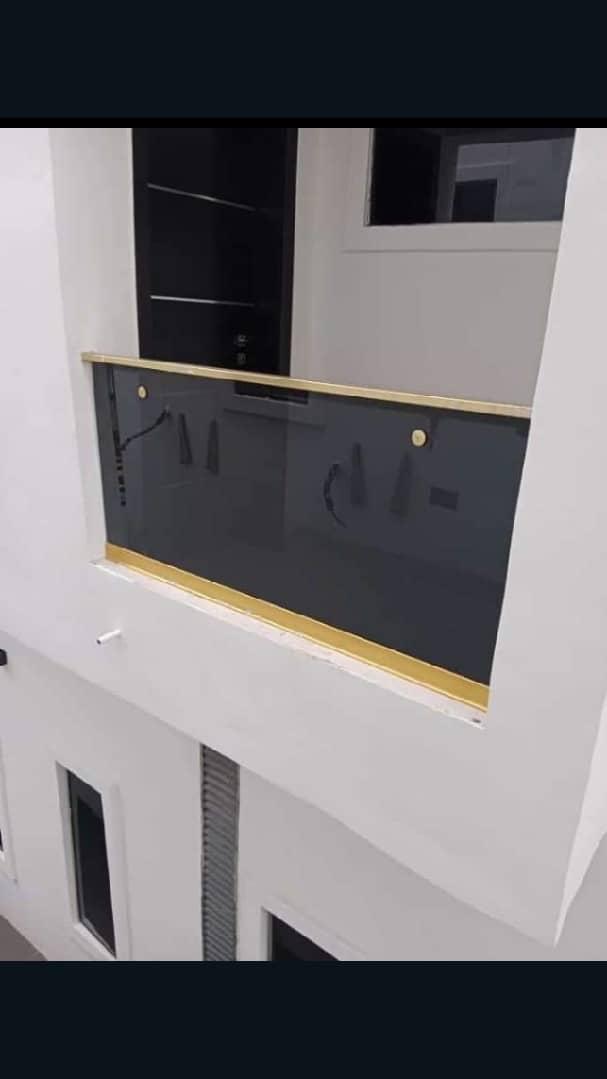
Balcony Glass Railing
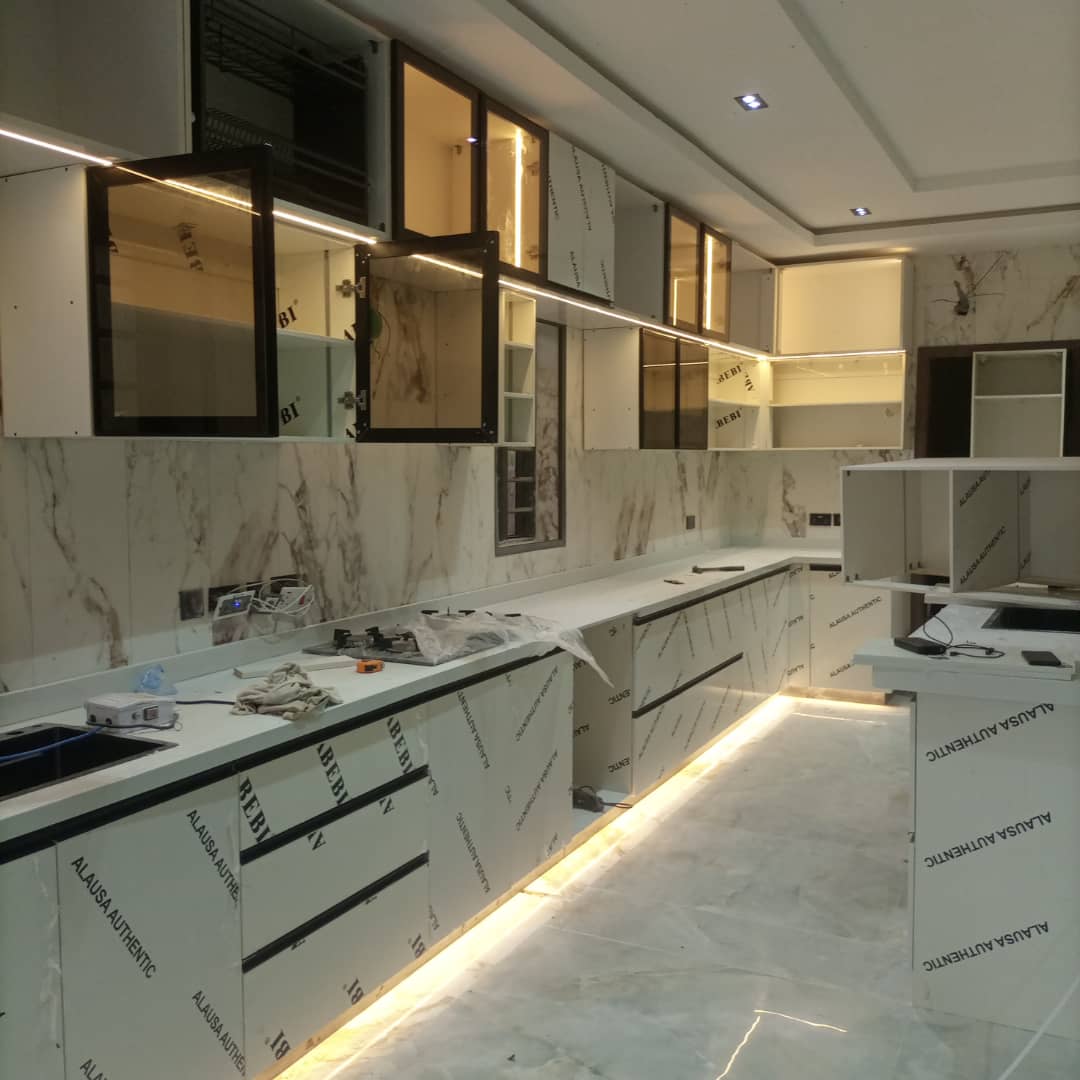
Aluminium Kitchen Cabinets
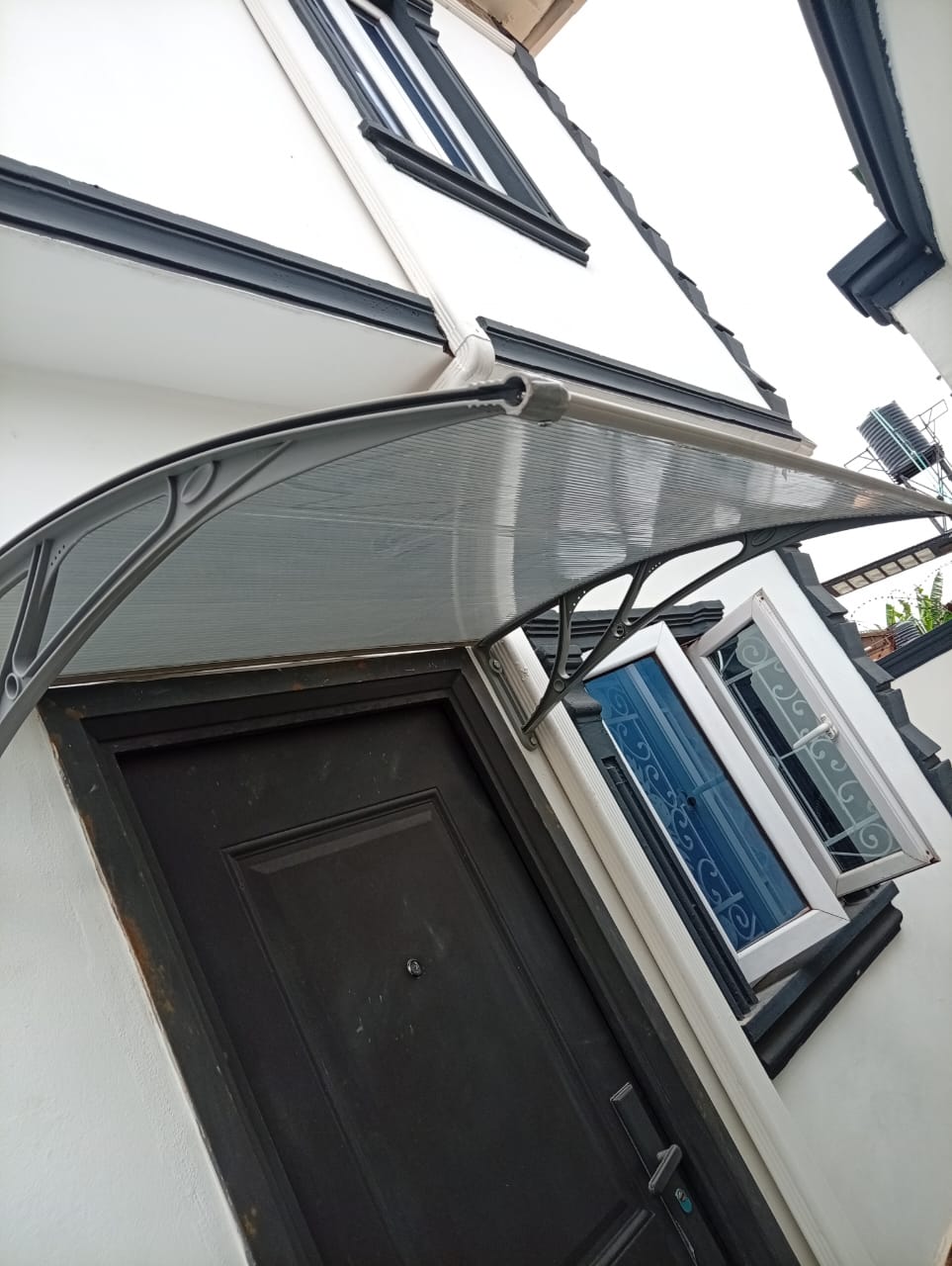
Aluminium Shed Installation
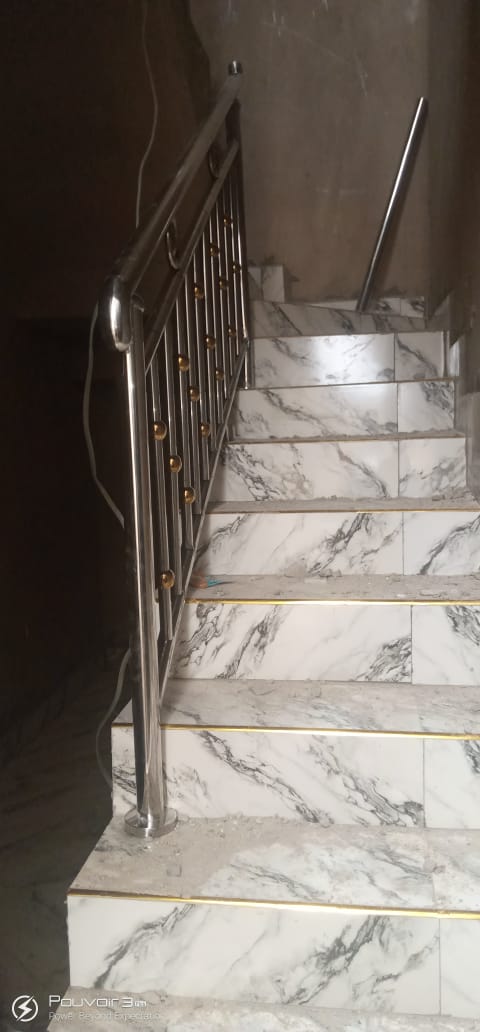
Staircase Glass Railing
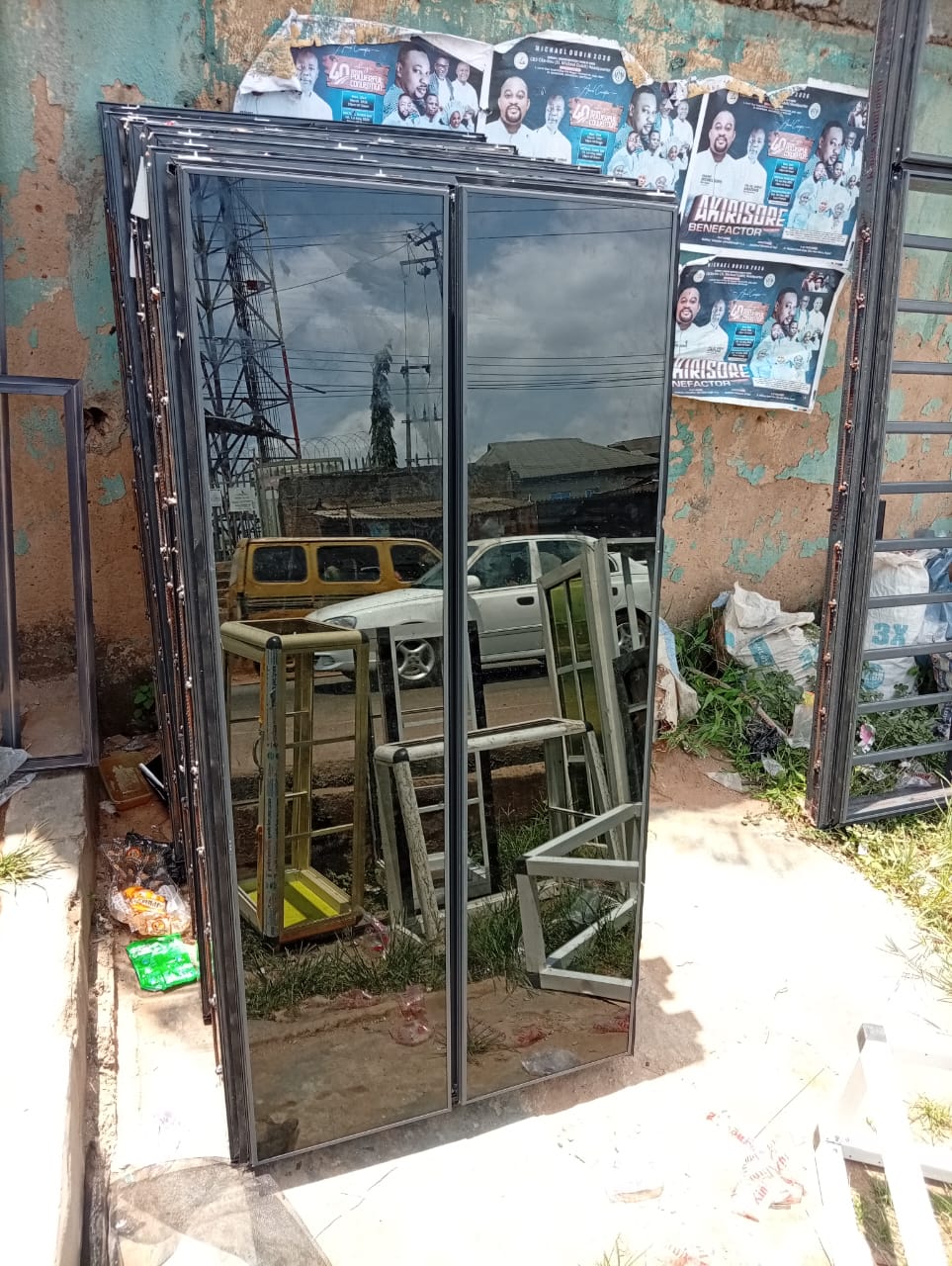
Transom Windows Installation
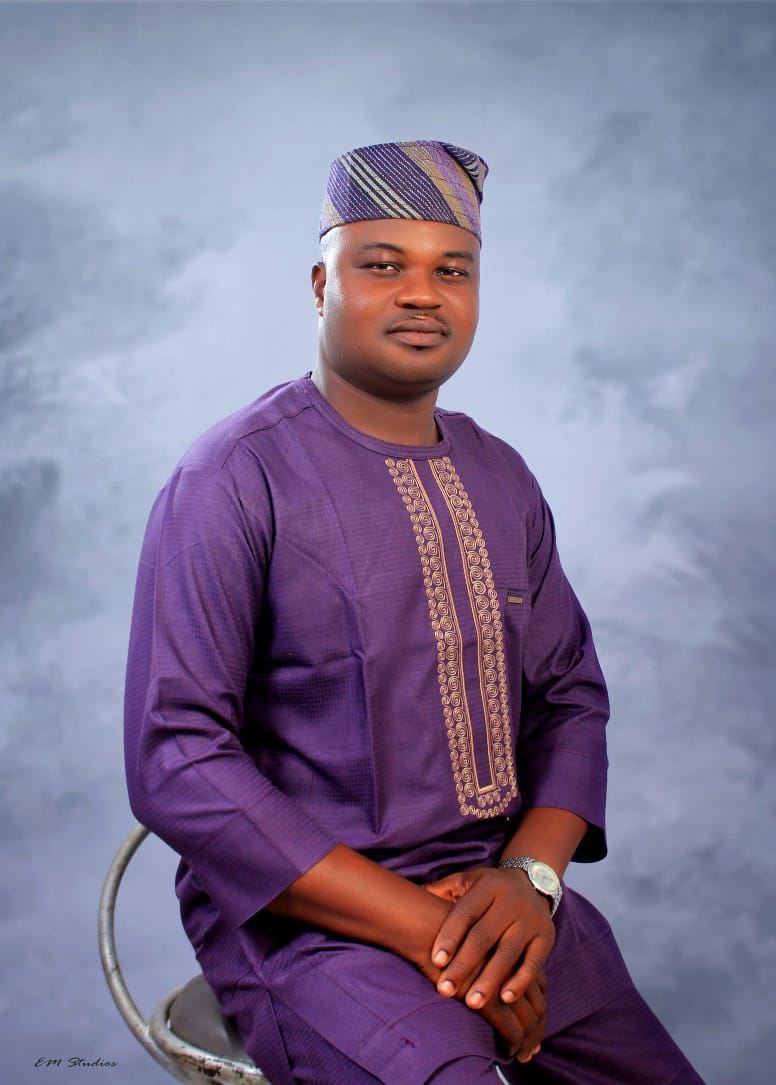
About Ogunshina Muhydeen Alabi
With over 10 years of experience in the aluminium industry, our founder has successfully completed hundreds of residential and commercial projects across Nigeria. We are committed to delivering high-quality fabrication, precise installation, and reliable craftsmanship that customers can trust.
- Over 10 years of aluminium fabrication experience
- Hundreds of residential and commercial projects completed
- On-site workshop in Ipaja, Lagos
- Direct communication with the founder throughout each project